Diagnostic Snapshot
OEM diagnostic tools:
Manufacturer-specific tools and software designed around one vehicle brand or family of brands.
Aftermarket diagnostic tools:
Multi-brand platforms built to cover many makes and models from one interface.
Where OEM tools usually stand out:
Manufacturer-specific procedures, programming, coding, special functions and access tied closely to the automaker’s own service environment.
Where aftermarket tools usually stand out:
Broad vehicle coverage, one-platform convenience and faster day-to-day diagnostics across a mixed vehicle population.
What the tech should know:
Neither category automatically replaces the other.
Bottom line:
The right choice depends on the vehicles your shop sees, the depth of access your techs need and whether manufacturer-specific programming is part of the work.
A lot of shops eventually run into the same question:
Do we really need OEM diagnostic tools, or can a good aftermarket scan tool handle everything?
The answer is usually:
It depends on the work.
Aftermarket diagnostic platforms have gotten extremely capable.
They can cover a wide mix of vehicles, run full-system scans, view live data, perform active tests, complete service functions and handle many coding or adaptation procedures.
But there are still times when the manufacturer-specific tool or software is the better fit.
And for some shops, the best setup is not choosing one over the other.
It’s using both.
What Is an OEM Diagnostic Tool?
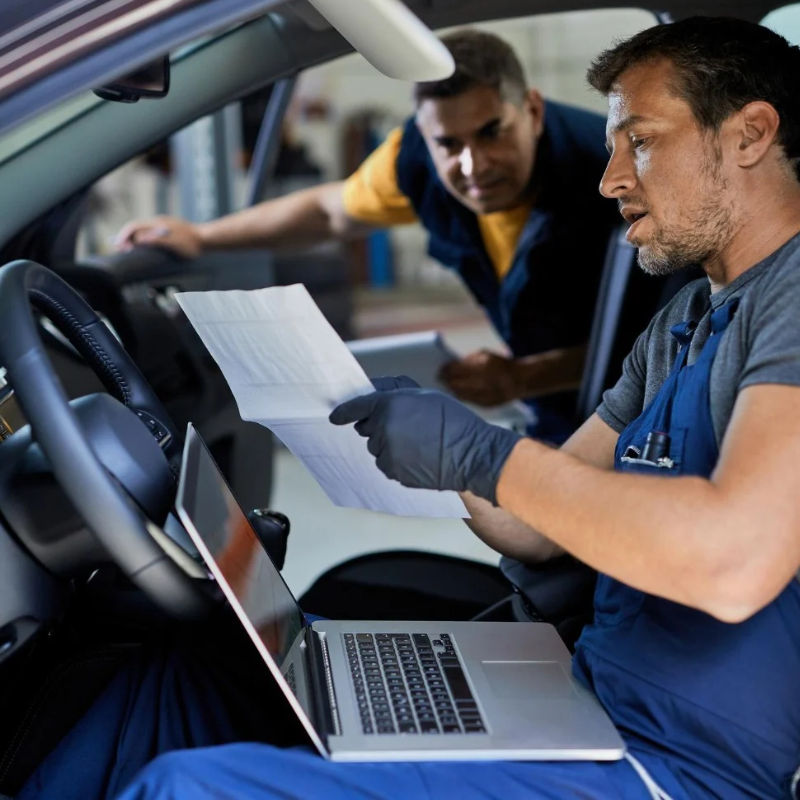
An OEM diagnostic tool is designed around a specific vehicle manufacturer.
That can include:
- Manufacturer software (e.g., Cummins Insite, Detroit Diesel DDDL, PACCAR Davie 4, Mack/Volvo Premium Tech Tool, CAT ET, John Deere Service Advisor)
- OEM diagnostic applications
- Factory communication interfaces
- OEM programming functions
- Manufacturer-specific service procedures
For example, a shop that works heavily on heavy-duty commercial fleets may rely on Cummins Insite, Detroit Diesel Diagnostic Link (DDDL), PACCAR Davie 4, or Mack/Volvo Premium Tech Tool (PTT) alongside Allison DOC, Eaton ServiceRanger, Bendix ACom AE, and WABCO Toolbox for transmission and braking systems. Medium-duty truck specialists might utilize Ford IDS/FDRS, Stellantis WiTech 2.0, GM MDI, Hino DX3, Isuzu IDSS, or MBE/Sprinter Xentry, while off-highway technicians depend on Caterpillar Electronic Technician (ET), John Deere Service Advisor, or Deutz Serdia.
The biggest advantage is depth.
OEM tools are built around the manufacturer’s own systems, procedures and vehicle architecture.
That can matter when the job goes beyond basic diagnostics.
What Is an Aftermarket Diagnostic Tool?
An aftermarket diagnostic platform is designed to work across many vehicle brands.
Depending on the tool, that can include:
- Full-system scanning
- Live data
- Active tests
- Service resets
- Adaptations
- Coding
- Special functions
- ADAS-related functions
- Programming support
- Commercial or specialty vehicle coverage
For a general repair shop working on Ford, GM, Toyota, Honda, Volkswagen and everything else that rolls through the door, that broad coverage can be a major advantage.
You’re not switching software platforms every time the badge on the grille changes.
The Biggest Difference Is Breadth vs. Depth
This is probably the easiest way to think about it.
Aftermarket tools are usually built for breadth.
They’re designed to cover a wide range of makes and models from one platform.
OEM tools are built for depth.
They’re designed around one manufacturer and may provide access to procedures or functions tied directly to that vehicle brand.
That doesn’t mean OEM is always “better.”
And it doesn’t mean aftermarket is always “good enough.”
They solve different problems.
Where Aftermarket Tools Make Life Easier
For everyday shop use, aftermarket platforms are hard to beat for convenience.
A single tool may let a technician:
- Perform a full vehicle scan
- Check multiple modules
- View live data
- Run active tests
- Complete service functions
- Perform resets
- Carry out supported adaptations
- Move from one vehicle brand to another
For a mixed-brand repair shop, that saves time.
Instead of maintaining separate interfaces and software for every manufacturer, one platform can cover a large percentage of normal diagnostic work.
That’s especially useful for general repair.
Where OEM Tools Can Go Deeper
There are times when an aftermarket tool may get you most of the way there, but the factory tool is still needed.
That can happen with:
- Module programming
- Manufacturer-specific coding
- Initializations
- Guided factory procedures
- Security-related functions
- Brand-specific service routines
- Certain software updates
- Functions that aftermarket coverage may not support
This is where OEM access starts to matter more.
If your shop sees a lot of one manufacturer, the extra depth can be worth it.
Programming Is Where the Difference Gets More Noticeable
Module programming is one of the biggest reasons shops start looking at OEM tools.
Replacing a control module may require:
- OEM software
- A J2534 pass-thru device
- Manufacturer credentials
- Subscription access
- Stable battery support
- Vehicle-specific setup procedures
Some aftermarket platforms offer programming or coding support, but that does not automatically mean they replace the manufacturer’s software for every procedure.
This is one of those areas where coverage needs to be checked job by job.
If your shop regularly sends programming work elsewhere, that’s a good reason to look at whether OEM access belongs in your tool stack.
J2534 Changes the Conversation
J2534 pass-thru programming gives independent shops another way to access manufacturer software without necessarily owning the exact factory hardware used by the dealership.
The basic idea is:
OEM software + compatible J2534 interface + vehicle + proper subscription/access
That can allow a shop to perform supported programming procedures using the manufacturer’s own application.
But J2534 does not make every brand identical.
Each manufacturer may have its own:
- Software
- Subscription model
- Setup process
- Credentials
- Procedure requirements
- Compatibility rules
So the hardware is only part of the equation.
What About Secure Gateway Access?
Modern vehicles increasingly use security layers that can limit certain diagnostic functions.
Depending on the vehicle and tool, functions may require:
- Secure gateway authentication
- Manufacturer credentials
- Tool-specific access
- Additional subscriptions
This matters for both OEM and aftermarket platforms.
A tool may technically support a function, but the shop still needs the correct security access to use it.
That’s why “coverage” should never be judged only by a manufacturer logo on a product page.
What Does the Technician Actually Notice?
From the tech’s side, the biggest differences usually show up in workflow.
An aftermarket tool may be faster for:
- General diagnostics
- Quick scans
- Mixed vehicle brands
- Everyday service work
- Moving between bays
An OEM platform may be better when:
- The repair procedure is very manufacturer-specific
- The module requires factory programming
- The aftermarket tool does not expose the required function
- The technician needs deeper OEM data or guided procedures
The better question isn’t:
Which tool is more advanced?
It’s:
Which tool gives the tech the access needed for this job?
Does Every Shop Need OEM Tools?
No.
If your shop works on a broad mix of vehicles and rarely performs manufacturer-specific programming, a strong aftermarket platform may cover most of your everyday work.
OEM access starts making more sense when:
- One brand makes up a large percentage of your repair orders
- You regularly replace or program modules
- You keep running into unsupported functions
- You’re outsourcing brand-specific work
- Your technicians need deeper manufacturer access
A heavy-truck or off-highway shop, for example, may get much more value from dedicated OEM platforms like Cummins Insite, CAT ET, or John Deere Service Advisor than a general shop that only handles light auto or occasional medium-duty fleet service using generic scan tools.
Does Every Shop Need an Aftermarket Tool?
For most general repair shops, a multi-brand aftermarket platform is still extremely useful.
Even if you add OEM access for one or two manufacturers, you probably don’t want to launch a separate factory application every time a vehicle needs a quick scan.
The aftermarket tool handles the broad workload.
The OEM platform fills in the deeper gaps.
That combination is often more practical than trying to force one tool to do everything.
When It Makes Sense to Use Both
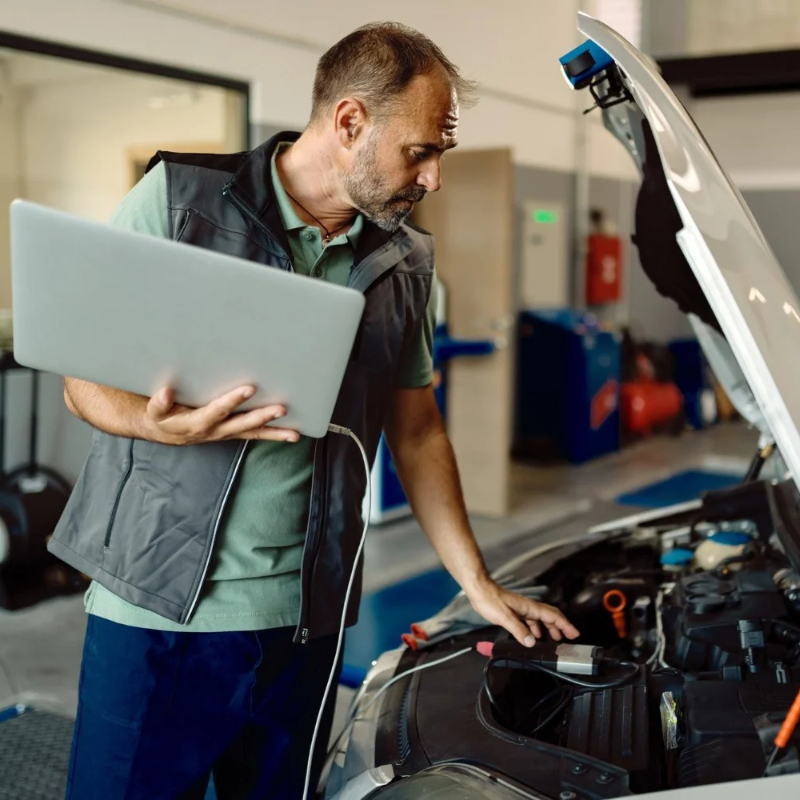
A hybrid setup can be a strong fit for shops that:
- Service many brands
- See a heavy concentration of one or two manufacturers
- Perform module programming
- Want fast general diagnostics
- Need deeper access for specific jobs
For example:
Use the aftermarket platform for:
General diagnostics, scans, live data, active tests and day-to-day work.
Use the OEM platform for:
Brand-specific programming, proprietary parameter adjustments, advanced bi-directional testing, or special procedures requiring factory applications like DDDL, PACCAR Davie, Ford IDS, Isuzu IDSS, or CAT ET.
That keeps the workflow flexible.
What Should You Compare Before Buying?
Before choosing an OEM or aftermarket platform, look at:
- Makes and models you service most
- Vehicle years
- Functions your technicians actually use
- Programming needs
- Coding and adaptation requirements
- Secure gateway access
- Subscription costs
- Software update costs
- Computer requirements
- Required interfaces and cables
- Technician familiarity
- Support availability
Don’t just ask:
How many vehicles does this tool cover?
Ask:
What can it actually do on the vehicles we work on?
That’s the better question.
Don’t Ignore the Supporting Equipment
A diagnostic platform does not work in a vacuum.
Depending on the setup, you may also need:
- Battery support
- A compatible laptop or tablet
- J2534 hardware
- OEM subscriptions
- Cables and adapters
- Secure gateway access
- Service information
- Technician training
This is why tool planning should be done as a system.
Buying the scanner is the easy part.
Making sure the whole workflow works together is what matters.
So, OEM or Aftermarket?
If your shop works on a wide mix of vehicles, an aftermarket diagnostic platform will usually be the more practical everyday tool.
If you need deeper manufacturer-specific access, especially for programming and specialized procedures, OEM tools can become important.
And if your workload includes both?
You may need both.
The goal isn’t to pick a side.
It’s to give your technicians the right access for the vehicles and repairs they actually handle.
Agile Truck & Auto Tools can help compare aftermarket platforms, OEM access, J2534 options and supporting equipment based on your vehicle mix and diagnostic workload.
Diagnostic Tools. Expert Solutions. Stay Agile.
OEM vs. Aftermarket Diagnostic Tool FAQs
OEM tools are designed around one manufacturer and usually provide deeper brand-specific access.
Aftermarket tools are designed to cover many manufacturers from one platform.
It depends on the function.
Aftermarket tools can handle a large amount of everyday diagnostic work, but some manufacturer-specific procedures, programming or special functions may still require OEM software or access.
For many programming procedures, OEM software or manufacturer-specific access may be required.
The exact requirement depends on the vehicle, module and procedure.
J2534 is a standardized pass-thru interface that can allow compatible hardware to communicate with manufacturer software for supported programming procedures.
Usually not.
A professional multi-brand platform may cover most daily work, but OEM-specific access may still be needed for certain jobs.
OEM access becomes more useful when a shop sees a high volume of one manufacturer, regularly performs module programming or frequently encounters functions the aftermarket platform cannot support.
Yes.
Many shops use an aftermarket platform for broad daily diagnostics and OEM tools for deeper manufacturer-specific procedures.